
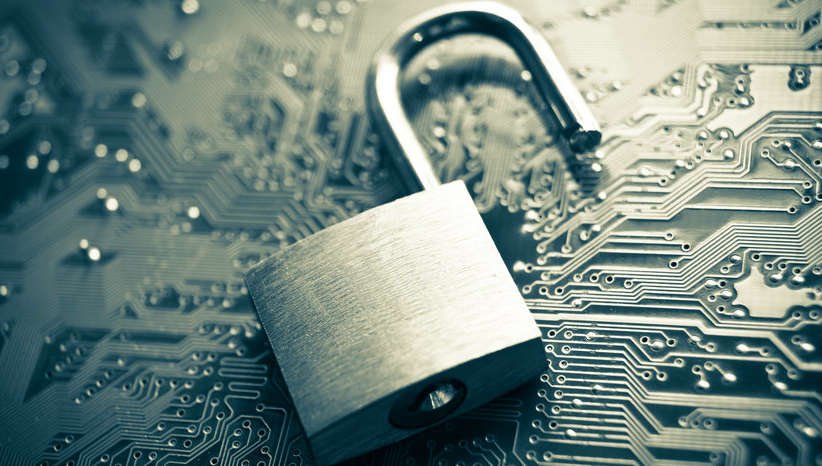
Cybersecurity has become an everyday concern for people across the United States. Americans use smartphones, online banking, shopping websites, social media, cloud services, streaming platforms, and connected devices every day. While these technologies make life more convenient, they also create opportunities for cybercriminals.
Cyberattacks are no longer limited to large corporations or government organizations. Individual consumers can also become targets of phishing messages, account takeovers, identity theft, malicious software, fake websites, online scams, and other forms of digital fraud.
At the same time, artificial intelligence is changing the cybersecurity landscape. AI can help security teams identify threats and respond faster, but criminals can also use increasingly sophisticated technology to create convincing scams and automated attacks.
Understanding common cybersecurity threats is one of the most practical ways consumers can protect their digital lives.
What Is Cybersecurity?
Cybersecurity refers to the technologies, processes, and practices used to protect computers, smartphones, networks, applications, and data from unauthorized access, damage, theft, or disruption.
For an everyday internet user, cybersecurity includes simple actions such as:
- Using strong passwords
- Enabling multi-factor authentication
- Updating software
- Recognizing phishing messages
- Securing Wi-Fi networks
- Protecting personal information
- Monitoring financial accounts
Good cybersecurity is not a single product. It is a collection of habits and protective measures.
1. Phishing Attacks
Phishing remains one of the most common cybersecurity threats.
A phishing attack typically attempts to convince someone to provide sensitive information by pretending to be a legitimate organization or person.
A victim might receive a message that appears to come from:
- A bank
- A delivery company
- A government agency
- A workplace
- A social media platform
- A technology company
The message may claim that immediate action is required.
For example, it might say that an account has been locked and provide a link to “verify” the account.
The link may lead to a fake website designed to steal usernames, passwords, payment information, or other personal details.
How to Protect Yourself
Avoid clicking unexpected links in messages.
Instead, open the organization’s official website or app directly and check the account there.
Pay attention to unexpected requests for passwords, payment information, verification codes, or other sensitive details.
2. AI-Powered Scams
Artificial intelligence is making some scams more convincing.
Criminals can potentially use AI to generate realistic-looking messages, improve phishing emails, create fake images, or imitate aspects of a person’s communication style.
Voice-cloning technology can also create audio that sounds similar to a real person.
This can make traditional warning signs less reliable.
A message containing perfect grammar is not necessarily legitimate.
Consumers should focus on verifying the request itself rather than judging a message solely by its appearance.
If someone unexpectedly asks for money or sensitive information, verify the request through a separate communication method.
3. Identity Theft
Identity theft occurs when someone uses another person’s personal information without authorization.
Stolen information can potentially be used for fraudulent financial activity, account creation, scams, or other forms of misuse.
Personal information can include:
- Names
- Addresses
- Social Security information
- Account credentials
- Financial information
- Identification details
Consumers should be cautious about where they provide personal information online.
They should also monitor financial and other important accounts for unusual activity.
4. Password Attacks
Passwords remain a major security weakness.
Using the same password across multiple websites creates additional risk.
If one website suffers a data breach and a password is exposed, criminals may attempt to use the same credentials on other services.
A better approach is to use unique passwords for important accounts.
A password manager can help users create and store unique credentials without requiring them to memorize every password.
5. Multi-Factor Authentication
Multi-factor authentication, often called MFA, adds another layer of security.
Instead of relying only on a password, the user may also need another form of verification.
This can include:
- An authentication app
- A security key
- A verification code
- Another approved authentication method
MFA can make it more difficult for an attacker to access an account using a stolen password alone.
Consumers should enable MFA on important accounts whenever it is available and appropriate.
6. Malware
Malware is malicious software designed to perform unauthorized or harmful actions.
Different types of malware can have different purposes.
They may attempt to:
- Steal information
- Monitor activity
- Damage files
- Gain unauthorized access
- Install additional malicious software
Malware can enter a device through malicious downloads, compromised websites, deceptive attachments, or other methods.
Users should download software from trusted sources and avoid suspicious files and links.
7. Ransomware
Ransomware is a type of malicious software that can prevent users or organizations from accessing files or systems, often by encrypting data.
Attackers may demand payment in exchange for attempting to restore access.
Organizations are particularly important targets because a successful ransomware incident can disrupt business operations.
Consumers can reduce the potential impact of ransomware by keeping important files backed up using appropriate backup strategies.
8. Public Wi-Fi Risks
Public Wi-Fi can be convenient in airports, hotels, cafes, libraries, and other locations.
However, users should be cautious when performing sensitive activities on unfamiliar networks.
Avoid entering highly sensitive information on networks you do not trust unless appropriate security protections are in place.
Keep devices updated and use secure websites and applications.
When traveling, consumers should also be careful about connecting automatically to unknown networks.
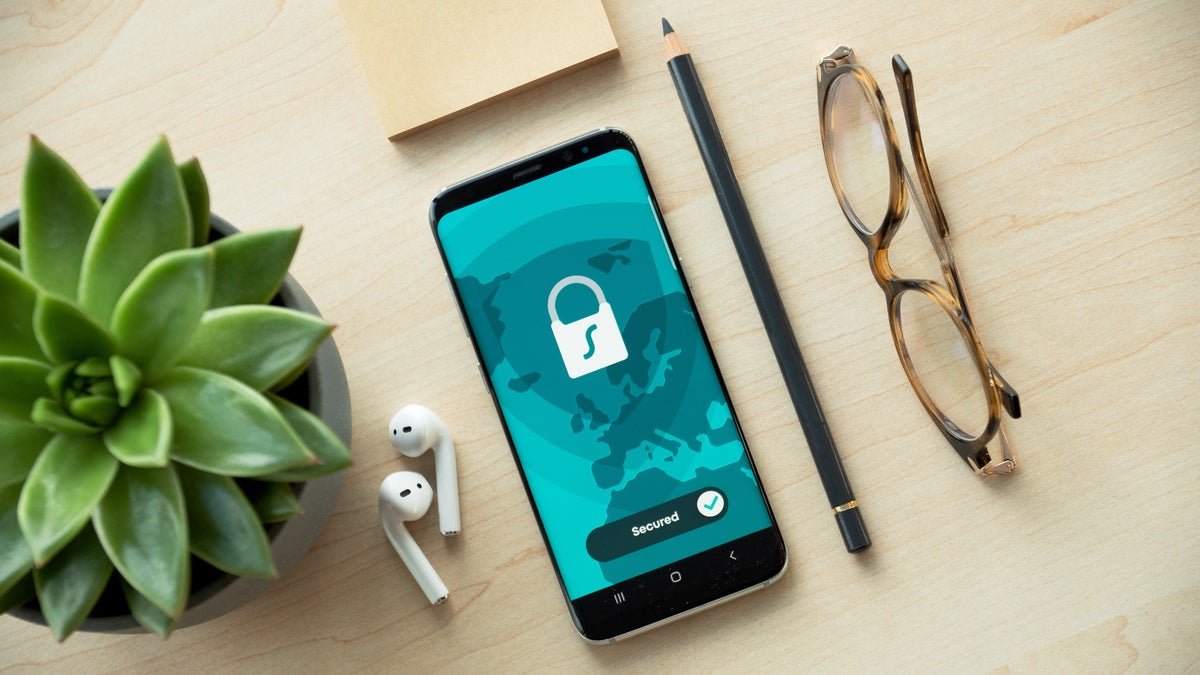
9. Smartphone Security
Smartphones contain enormous amounts of personal information.
A single device may provide access to:
- Banking apps
- Social media
- Photos
- Contacts
- Messages
- Cloud storage
- Authentication applications
Consumers should protect smartphones with a strong screen lock and keep the operating system and applications updated.
They should also review app permissions regularly.
If an application requests access to information that does not appear necessary for its function, users should consider whether that permission is appropriate.
10. Social Engineering
Social engineering attacks target people rather than simply targeting technology.
The attacker may attempt to create urgency, fear, trust, or confusion.
For example, a scammer might pretend to be:
- A family member
- A company employee
- A bank representative
- A government official
- A technical-support agent
The goal may be to convince the victim to reveal information or take an action.
The most effective defense is to slow down.
If a request involves money, passwords, verification codes, or sensitive information, independently verify who is making the request.
11. Fake Customer Support
Another common technique involves fake technical-support messages or websites.
A user may encounter a pop-up claiming that their computer has a serious security problem and providing a phone number.
The person on the other end may then attempt to convince the victim to install software or provide payment information.
Consumers should be suspicious of unsolicited technical-support calls and unexpected security warnings.
Use official websites to locate customer-support information instead of relying on phone numbers provided in suspicious pop-ups.
12. Data Breaches
A data breach occurs when unauthorized parties gain access to protected information.
Consumers cannot always prevent a company they use from experiencing a breach.
However, they can reduce the impact by using unique passwords for different services and enabling MFA.
If a company announces a breach affecting an account, users should follow the company’s recommended security steps and consider changing reused credentials elsewhere.
13. Protecting Your Online Accounts
A basic account-security checklist can include:
Use Unique Passwords
Avoid using the same password across multiple important accounts.
Enable MFA
Add another authentication factor where available.
Keep Software Updated
Security updates can address known vulnerabilities.
Review Login Activity
Check for unfamiliar devices or sessions when the service provides this information.
Remove Unused Accounts
Old accounts can create unnecessary security exposure.
14. Be Careful With Personal Information
Not every website or app needs access to extensive personal information.
Before providing information, consider:
- Why is it required?
- Is the website legitimate?
- Is the information necessary?
- How will it be used?
- Can you limit the information shared?
Consumers should also avoid posting sensitive personal details publicly on social media.
Information that appears harmless individually can sometimes be combined with other information to facilitate scams or identity theft.
15. Keep Important Data Backed Up
Backups are an important part of cybersecurity.
Important files can be stored using an appropriate backup strategy that protects against device failure, accidental deletion, ransomware, or other problems.
Critical files should not exist in only one location.
Consumers should periodically verify that backups are actually working and that important information can be restored.
What Should You Do If You Think You’ve Been Hacked?
If you suspect that an account has been compromised, take action quickly.
Depending on the situation, steps may include:
- Change the affected password.
- Change reused passwords on other accounts.
- Enable MFA.
- Review account activity.
- Sign out of unfamiliar sessions.
- Contact the relevant company through official channels.
- Monitor financial accounts if payment information may be involved.
- Preserve relevant evidence such as suspicious messages.
If financial fraud or identity theft is suspected, consumers should also consider contacting the appropriate financial institution and relevant U.S. authorities or consumer-protection resources.
Cybersecurity Is Becoming More Important
As Americans increasingly rely on digital services, cybersecurity becomes part of everyday life.
People do not need to become cybersecurity experts to improve their protection.
Simple habits can make a meaningful difference.
Using unique passwords, enabling MFA, keeping devices updated, avoiding suspicious links, and verifying unexpected requests are practical steps that most consumers can take.
The cybersecurity environment will continue to change as technology develops.
Artificial intelligence, connected devices, cloud services, and digital payments can create new opportunities while also introducing new risks.
Frequently Asked Questions
What is the biggest cybersecurity threat to consumers?
There is no single threat that affects everyone equally. Phishing, credential theft, identity theft, malware, scams, and account takeovers are among the important risks consumers should understand.
How can I protect my accounts?
Use unique passwords, enable multi-factor authentication, keep software updated, and monitor important accounts for unusual activity.
Is public Wi-Fi dangerous?
Public Wi-Fi is not automatically unsafe, but users should be cautious on unfamiliar networks and avoid unnecessary sensitive activity unless appropriate security protections are available.
Can AI be used by cybercriminals?
Yes. AI can potentially be used to make certain scams and social-engineering attempts more convincing or efficient.
What should I do after clicking a suspicious link?
If you entered a password or sensitive information, change the affected credentials promptly and review account activity. If you downloaded something suspicious, consider disconnecting the device from the network and using trusted security tools or professional assistance.
Conclusion
Cybersecurity is no longer only an issue for technology companies and large organizations. It is an everyday concern for American consumers who use smartphones, online banking, social media, email, shopping websites, and cloud services.
The good news is that many basic security practices are straightforward.
Strong and unique passwords, multi-factor authentication, regular software updates, careful handling of unexpected messages, secure backups, and cautious sharing of personal information can all help reduce digital risk.
As cyber threats continue to evolve, staying informed and taking a few minutes to verify suspicious requests can be one of the most valuable cybersecurity habits a consumer develops.







Leave a Reply